Making my portfolio bilingual with Next.js
My portfolio was French only. I wanted an English version, without adding an internationalization library for a site with just a few pages.
The idea
- French stays at the root:
/and/blog. - English lives under
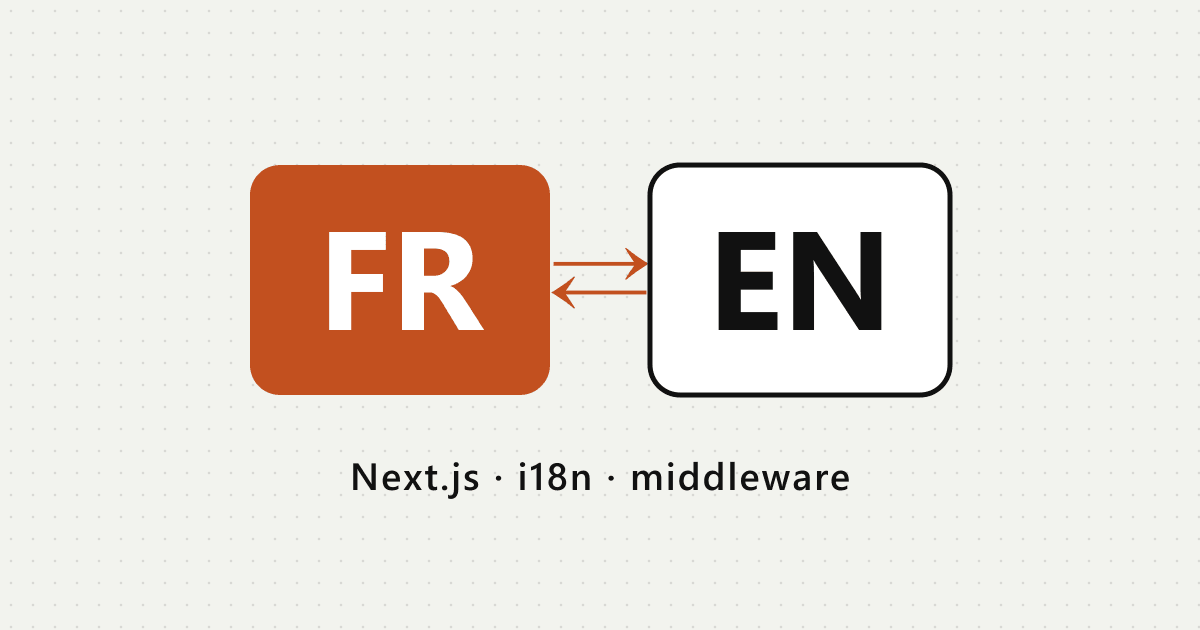
/en:/enand/en/blog. - A FR / EN switch in the top right lets you change language, and the site remembers it.
One page, two languages
Every text on the site has two versions, in a plain object:
export const site = {
  role: { fr: "Développeur Full Stack", en: "Full Stack Developer" },
  tagline: {
    fr: "Je transforme des idées en produits numériques.",
    en: "I turn ideas into digital products.",
  },
};
The home page is a single component that receives the language: <HomePage lang="fr" /> or <HomePage lang="en" />. Then it just renders site.role[lang].
The right lang attribute
So that the <html> tag tells browsers and Google the right language, I use two route groups: app/(fr) and app/(en), each with its own root layout. Every page is still statically generated.
Remembering the choice
When you click the switch, a cookie stores the language for a year. A small middleware then redirects English-speaking visitors:
export function middleware(request: NextRequest) {
  if (request.cookies.get("lang")?.value !== "en") return NextResponse.next();

  const url = request.nextUrl.clone();
  url.pathname = request.nextUrl.pathname === "/" ? "/en/" : "/en/blog/";
  return NextResponse.redirect(url);
}
What about the blog?
One note = one Markdown file. The translated note has the same file name in content/blog/fr and content/blog/en. If a note only exists in French, it still shows up on the English blog, with a FR badge.
The result: a bilingual site that’s easy to maintain, and just as fast.